Experience
The app streamlines the exploration of large scientific datasets that capture the internal structures of human organs, animals, complex materials, and devices. Designed for a general audience, it requires no prior knowledge or familiarity with specialized software. Simply walk through the object to peel away tissues and materials and reveal hidden features, as shown in the trailer:
Views
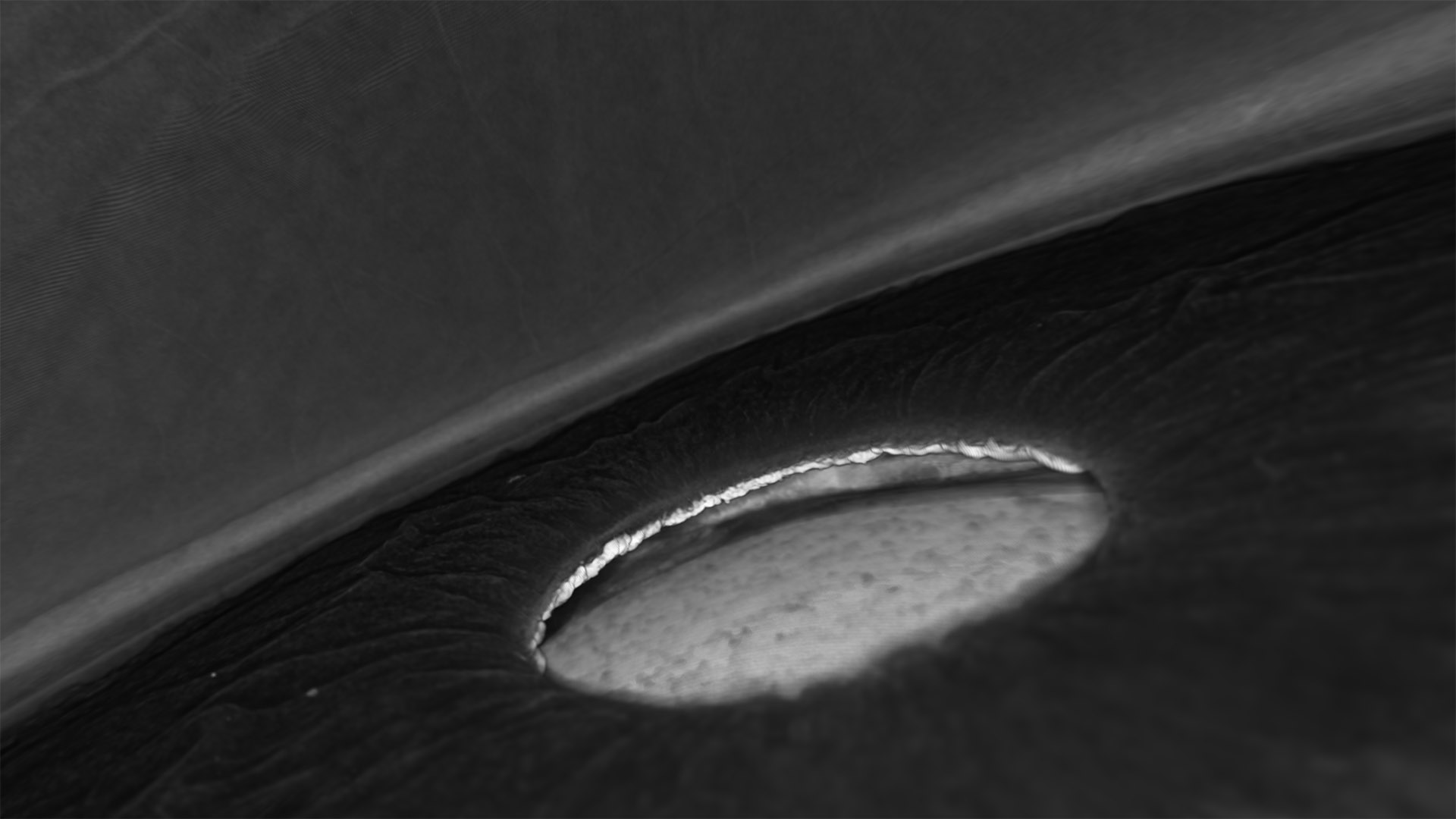
Responsive controls let you zoom in and adjust transparency with ease, while the minimalist design keeps the focus on the intricate details within the scans:
Library
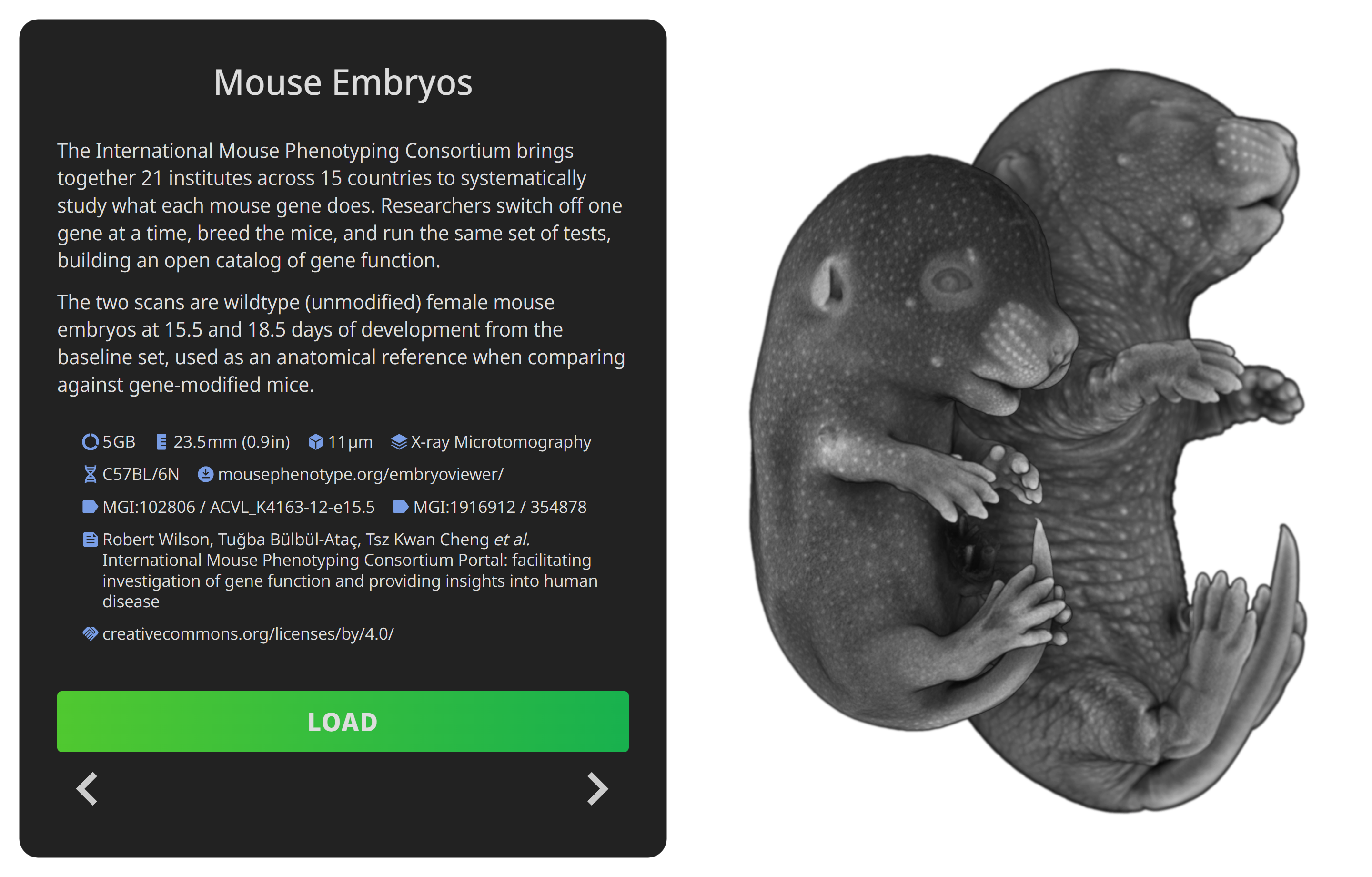
The app showcases 37 scans from various public repositories, including:
Each scan is introduced with a description, preview image, attribution, download link and relevant metadata:

Core collection
Availability
The app is distributed via Steam, which handles purchases, downloads, VR functionality, and community features. Floating licenses for organizations are available through the Steam PC Café program.
Visit the store page to purchase, wishlist or download the free demo:
Realtime rendering of large tomography scans requires capable hardware. For the best experience, a gaming PC with an NVIDIA RTX 3080 or better, 32 GB of RAM or more, and an Intel Core i7-12700KF or equivalent CPU is recommended.
The app was tested extensively with Valve Index headset and controllers at up to 144 Hz and with Meta Quest 3 via Steam Link at 90 Hz.
Contact
For purchase, refund, installation, or account issues, please use Steam Support first: open Steam, go to Library, select Tomography VR, and choose Support.
For all other enquiries, please email me at tim.burykin@tomography-vr.app